Maria globe client: Difference between revisions
Jump to navigation
Jump to search
No edit summary |
|||
| Line 1: | Line 1: | ||
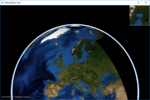
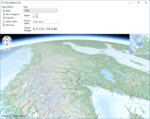
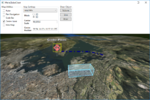
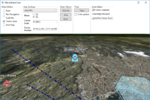
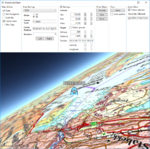
These pages describe how to create a Maria GDK map client utilising '''''MariaGlobeMapControl''''' with 2D and 3D visualisation of map, tracks and draw objects. | |||
[[File:Globe-3D.PNG|right|thumb|Maria Globe Client]] | [[File:Globe-3D.PNG|right|thumb|Maria Globe Client]] | ||
Revision as of 11:04, 2 October 2019
These pages describe how to create a Maria GDK map client utilising MariaGlobeMapControl with 2D and 3D visualisation of map, tracks and draw objects.

General
{{#invoke:Template translation|renderTranslatedTemplate|template=Template:Note|noshift=1}}
- Note
-
- You will need to include the TPG.Maria.MariaGlobeMapControl NuGet package (Currently available Teleplan Globe internal only)
- Sample code is found in the MariaGlobeClient project, in the Sample Projects solution.
- Note that the sample code is specifying the service connections in code, and not by app.config.
- For general troubleshooting, see Development troubleshooting
Sections
|
| |
|
| |
|
| |
|
| |
|
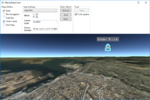
5. Auto follow |
|
|
|